"Raspberry Pi is a credit-card sized computer that plugs into you TV and a keyboard."
http://www.raspberrypi.org
"XBMC is an award-winning free and open source (GPL) software media player, ...."
http://xbmc.org
Yesterday I installed XBMC in my Raspberry Pi to make a portable media player. It was interesting. Below was my Raspberry Pi with SD card. The device was connected to Internet, a USB hub, a USB HDD, and a monitor via HDMI. The USB hub was connected to a keyboard and a wireless mouse. I selected wireless mouse to be a remote control of the media player.
Here was a USB HDD with 2TB capability that stores movies.
I installed Raspbmc in the SD card (SDHC 8GB Class2). "Raspbmc is a minimal Linux distribution based on Debian that brings XBMC to your Raspberry Pi."
http://www.raspbmc.com
The following steps were installation of Raspbmc.
Step 1. Format the SD card otherwise the Raspbmc cannot be installed successfully in step 3.
Step 2. Download Windows Installation of Raspbmc.
http://www.raspbmc.com/wiki/user/windows-installation
Step 3. After decompressing the downloaded file, please run installer.exe.
Step 4. Check if Raspbmc installer is installed. Please open the SD card that should contain the following files.
Step 5. Connect Raspberry Pi with Internet because the installer will load files from Internet. Insert the SD card with the installer into the Raspberry Pi and turn on the device. The following pictures in the screen display in progress of installation.
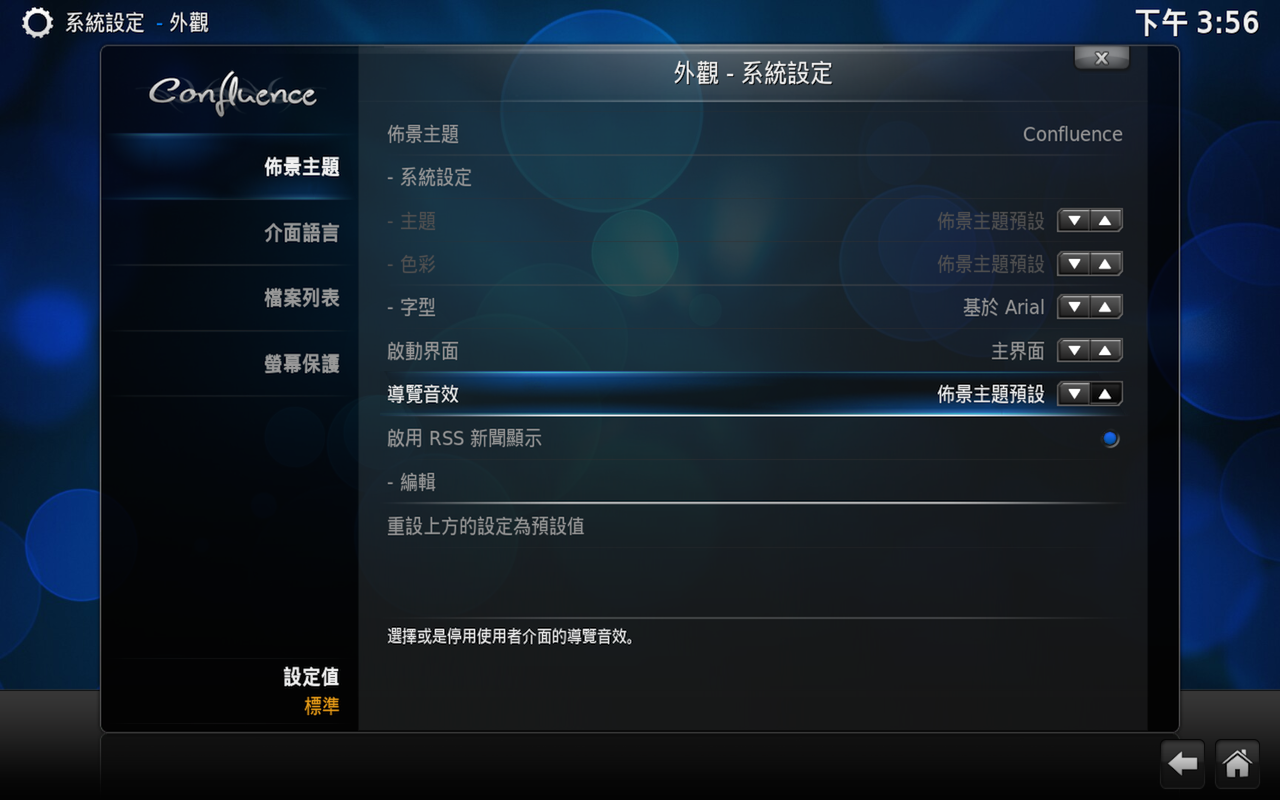
Step 6. Now you have XBMC in Raspberry Pi. You can add movie information from web (e.g., IMDB) into your movies in USB HDD.